
Pay-Per-View (PPV) content is the most effective way to monetize your income on Fansly. The page can be entirely sub-exclusive or open to everyone: a set of PPV content will provide additional income and give subscribers the feeling that they are getting even more exclusive content.
There are two ways to sell PPV materials: in the news feed and in Direct Messages (DM). Identical permission settings are used in both cases.
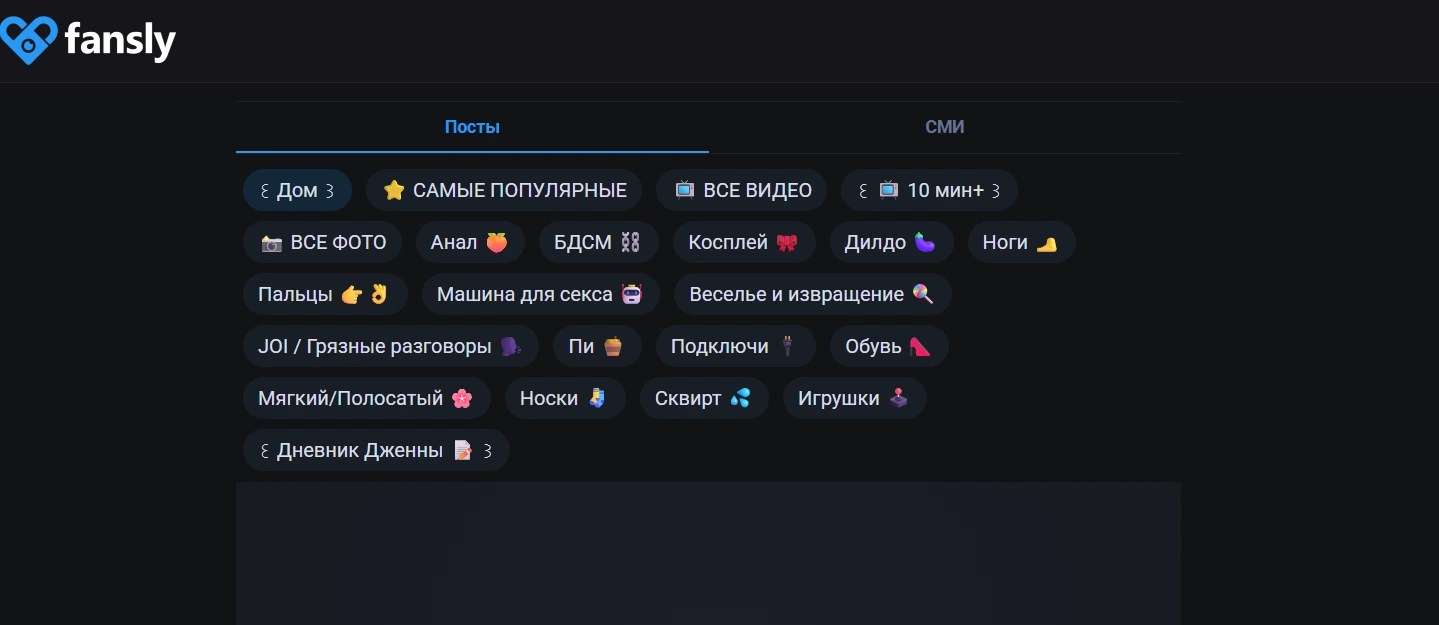
Selling PPV in the Feed
To publish and sell information directly on the main page (fansly.com/home), you need to set a price. The corresponding window will appear after uploading the media files. This opens up additional functionality:
- “Albums on the Wall” — subscribers will be able to sort materials if they are added to the section and subscribed.
- “Add to Wall” — the ability to add content to the desired album immediately after publication (must be checked).
Media Content Permissions
Permissions for media access are needed to set:
- subscription level requirements;
- subscriber requirements;
- unlock price;
- other.
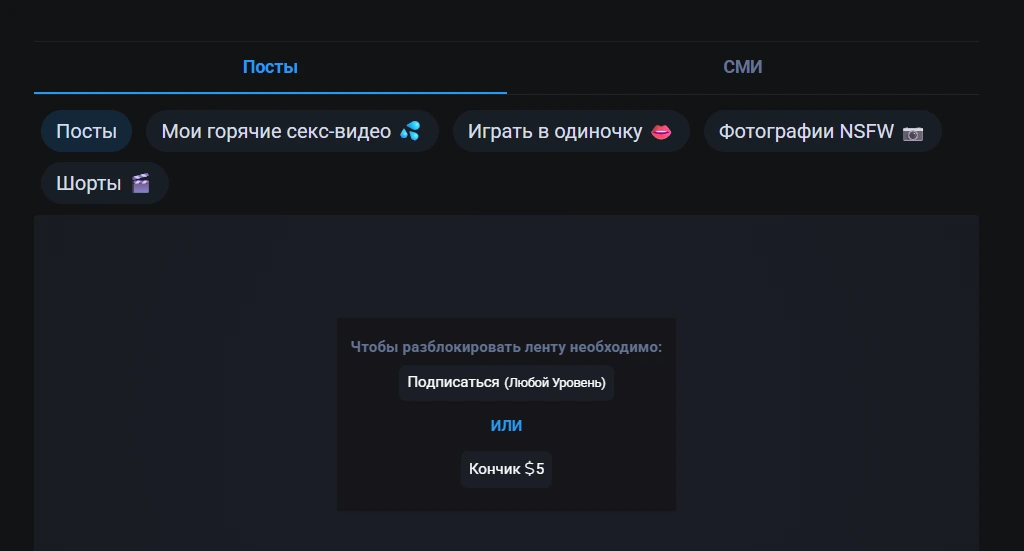
IMPORTANT! Note that there is an “OR” between the permission fields. This means the potential to set permissions for different subscribers and subscription levels.
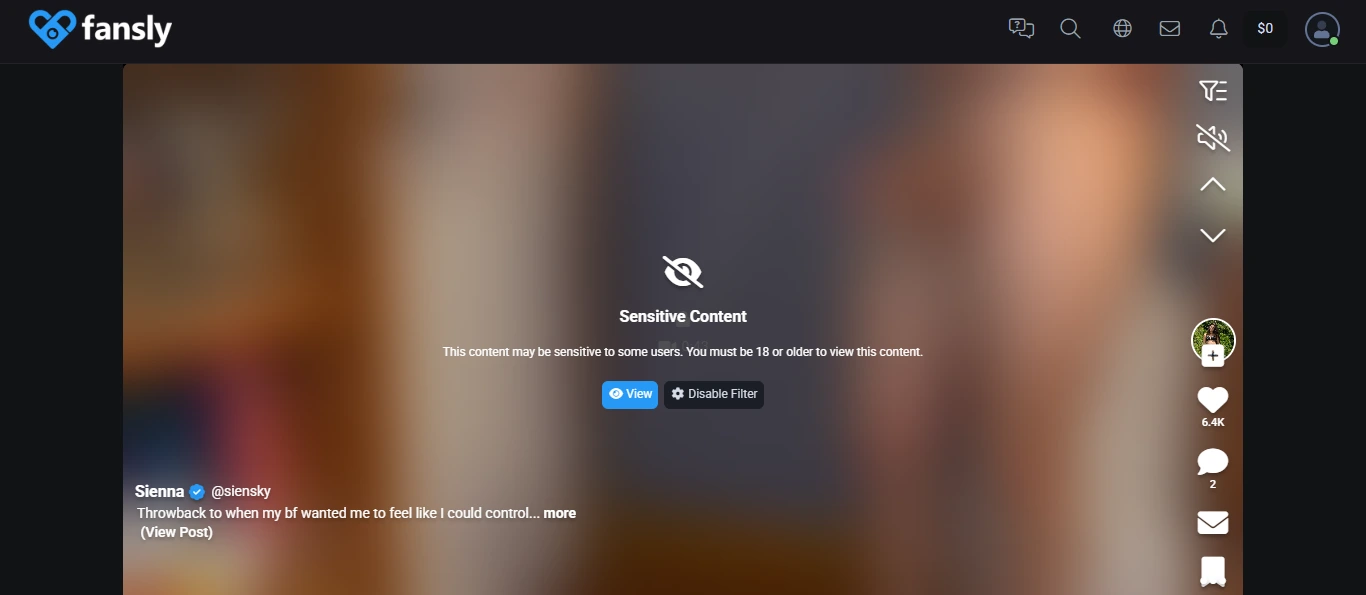
When uploading content to the feed, the option to display content on the “For You” page becomes available. If the uploaded materials have viewing requirements, you need to attach an image for the primary view (add a free preview). You can copy an image or attach a new one, and also add emojis and text using the internal editor.
After uploading the PPV file, you can track its statistics (click on the three dots in the upper right corner and select “Media Statistics”). The following information will be displayed:
- sales volume;
- revenue from sales;
- expected sales volume for 7 days.
Selling Content in Direct Messages
Uploading and sending materials in direct messages works similarly to uploading to the feed. You can send information directly to one person or a group of fans.
You can send a media file directly to an individual fan in two ways:
- enter their name in the “Search Conversations” bar or click on the letter icon above the list of previous messages;
- go to the “New Message” field and enter the username directly.
On the same tab, it is possible to create mass mailings and check previously scheduled ones.
To send a message to multiple people, you need to go to the “New Mass Message” tab and specify who it will be sent to. Access to delayed content sending is also available. When selecting recipients for a mass mailing, a calendar will appear in the lower-left corner of the screen.
Statistics can be tracked in the “Creator Dashboard” section. The following data is available on this tab:
- how many people the message was sent to,
- how many people viewed the mailing,
- count of attachments sent,
- how many sales it generated,
- what income it brought.
Earn on Fansly with Ultima Agency
PPV on Fansly is not just an earning tool, but a way to build a loyal fanbase.
It’s easiest to create marketable content with the help of a professional agency. Ultima Agency will do everything for you! Verified specialists will tell you how to protect yourself and your materials and increase your income (there is no ceiling). You can easily fill out the form now and get all the information through the agency’s Telegram bot.
Now that you’re familiar with the standard practice of selling content, go out there, make money, and most importantly, have fun!😊